

Kostenloser KI-E-Mail-Vorlagengenerator
Verwandeln Sie eine Eingabeaufforderung innerhalb weniger Minuten in eine gestaltete, markengerechte E-Mail-Vorlage. Text, Struktur und Layout werden gemeinsam generiert und können sofort in Ihr ESP exportiert werden.
- Keine Kreditkarte erforderlich
- Über 40 Sprachen
- In wenigen Minuten fertig

Funktionen des KI-E-Mail-Vorlagengenerators
-
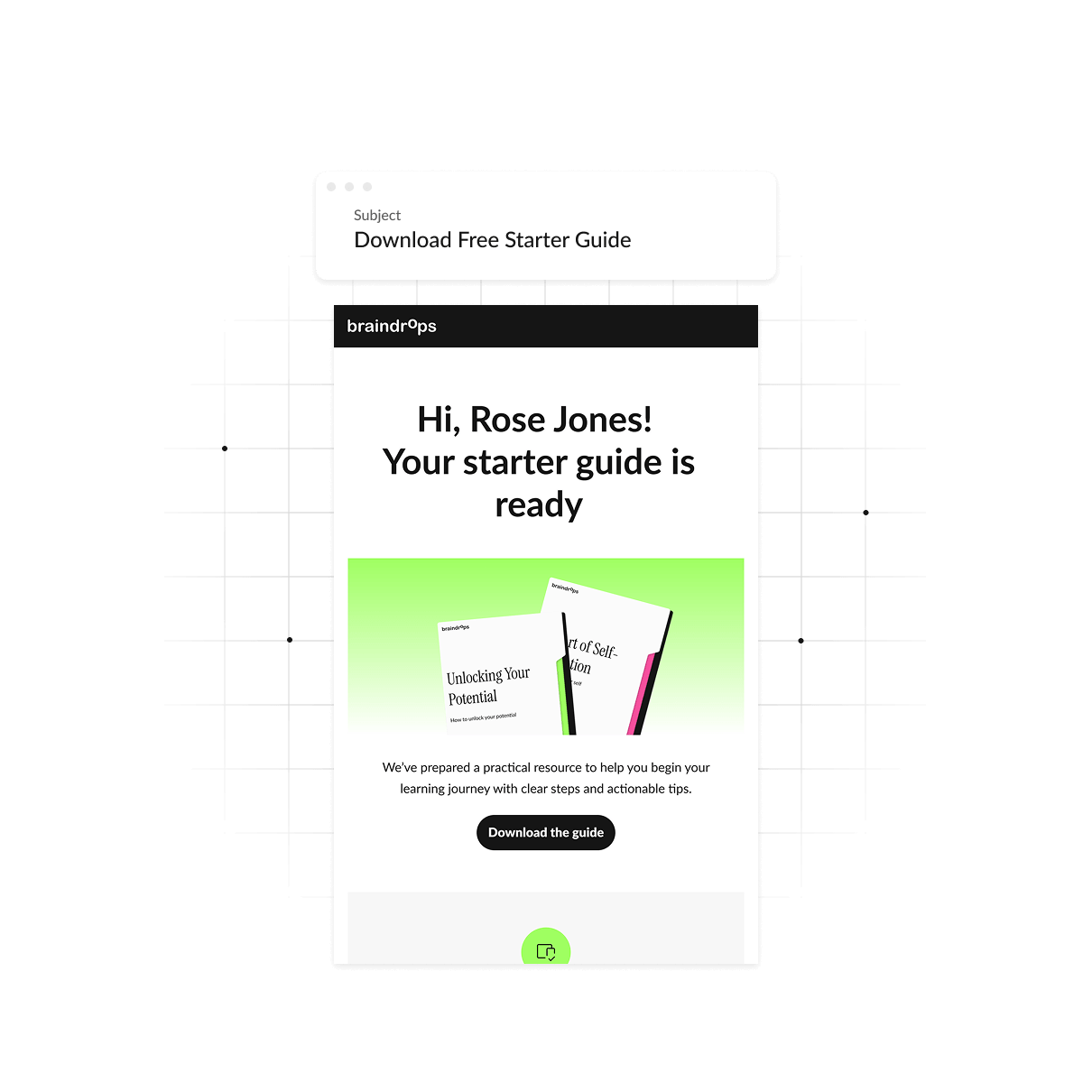
Eine gestaltete E-Mail — nicht nur Text
Erhalten Sie eine vollständige Vorlage mit Layout und Struktur, nicht nur einen Textblock, den Sie noch selbst gestalten müssen.

-
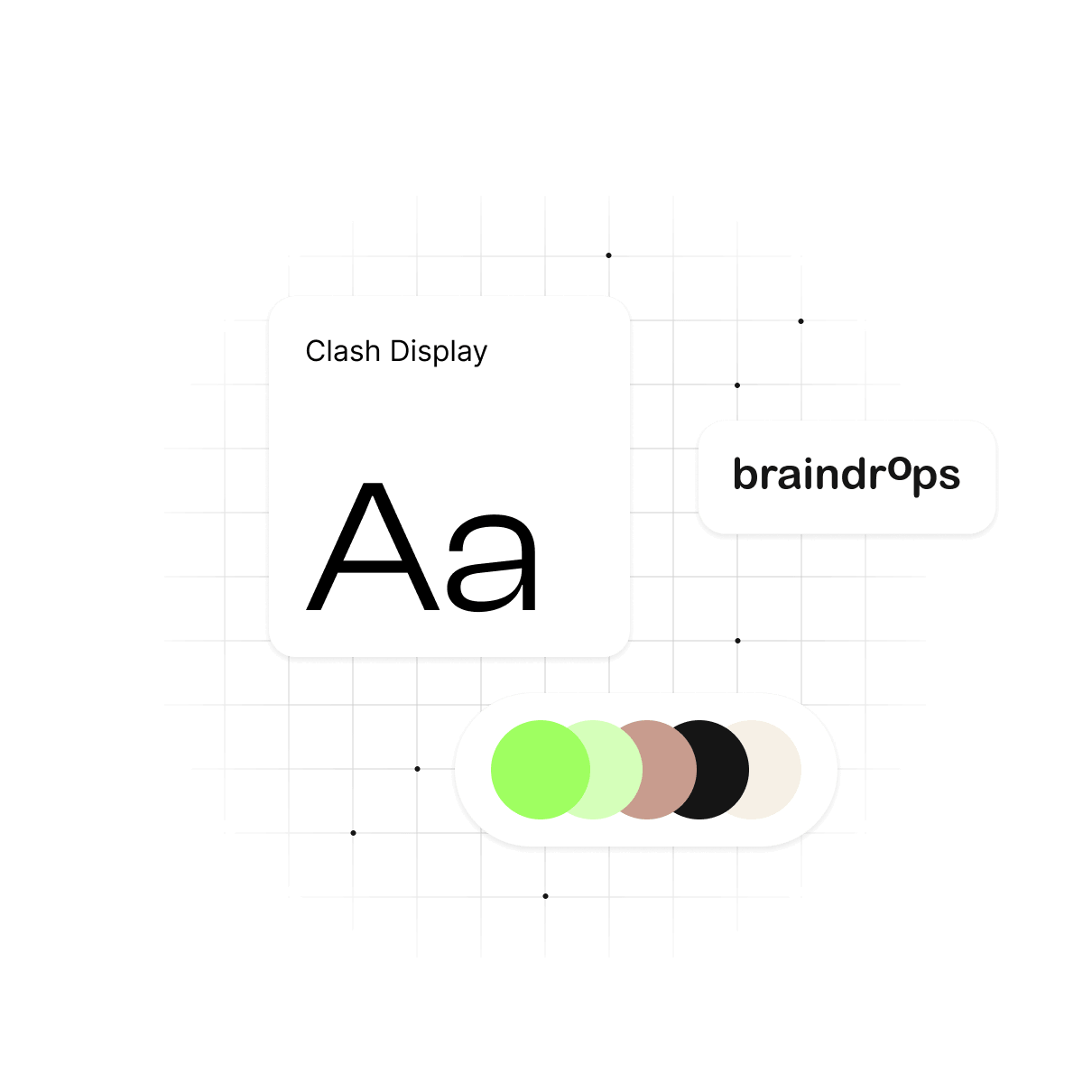
Passt sich automatisch Ihrer Marke an
Wenn Ihre Markeneinstellungen bereits in Ihrem Stripo-Profil hinterlegt sind, nutzt der Generator diese, sodass das Ergebnis Ihren Stil und Ihr Design widerspiegelt und keine generische Vorlage ist.
-
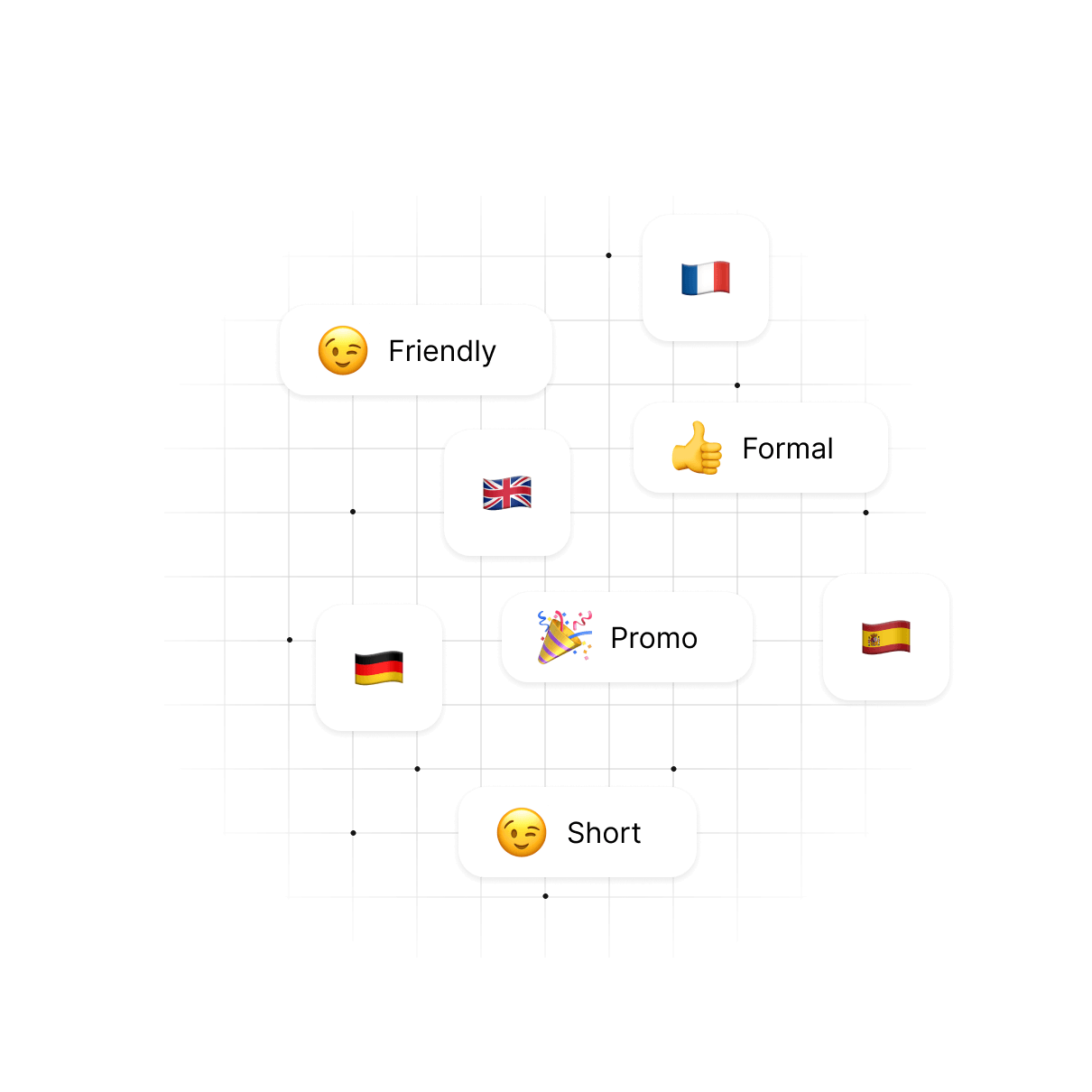
Über 40 Sprachen, über 10 Tonarten
Erstellen Sie Inhalte in der Sprache und im Ton, den Ihre Zielgruppe erwartet – von formell bis locker.
-
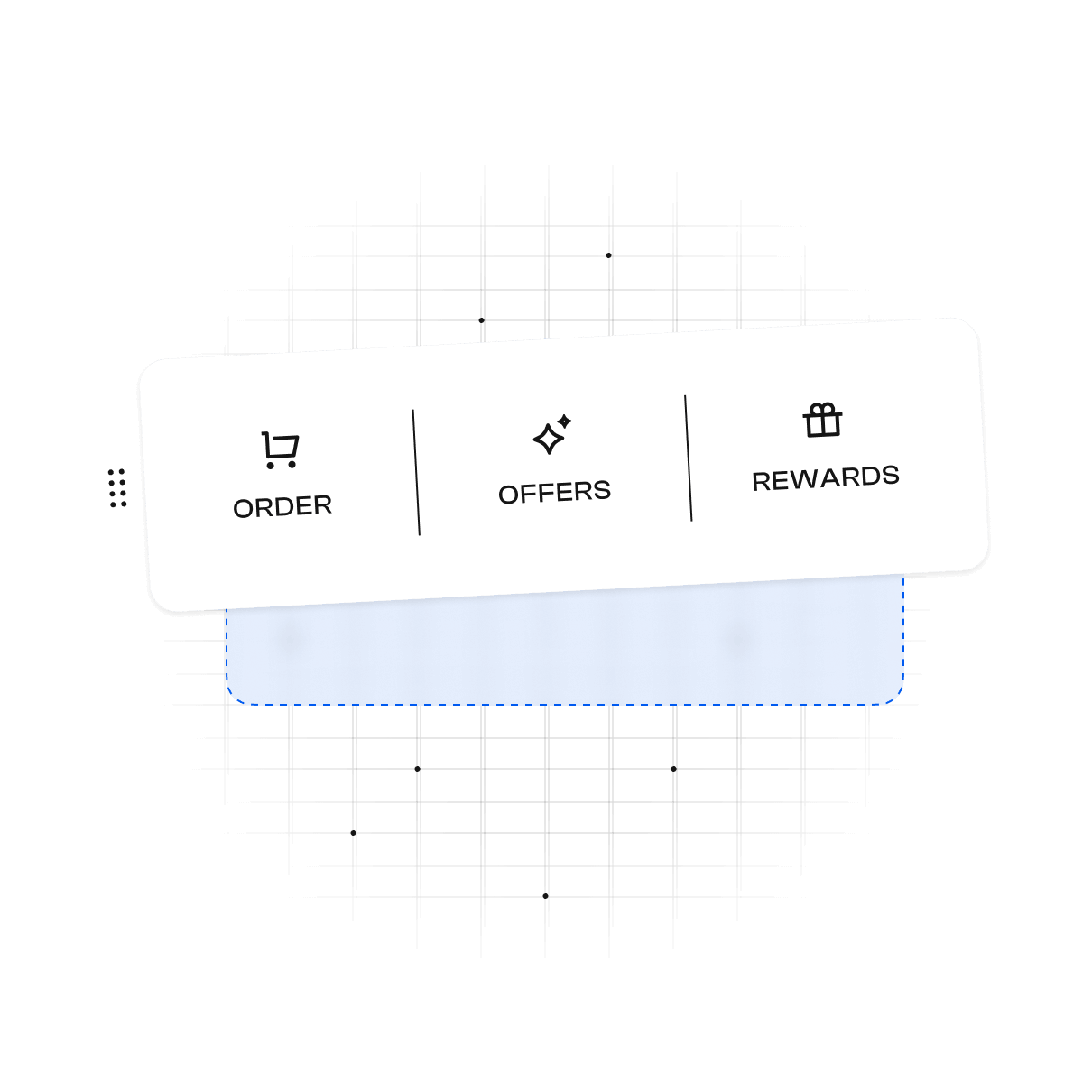
Feinabstimmung per Drag-n-Drop
Nach der Erstellung öffnet sich Ihre Vorlage im Drag-n-Drop-Editor von Stripo: Verschieben Sie Abschnitte, tauschen Sie Module aus, passen Sie den Text an. Sie behalten die volle Kontrolle über das Layout.
-
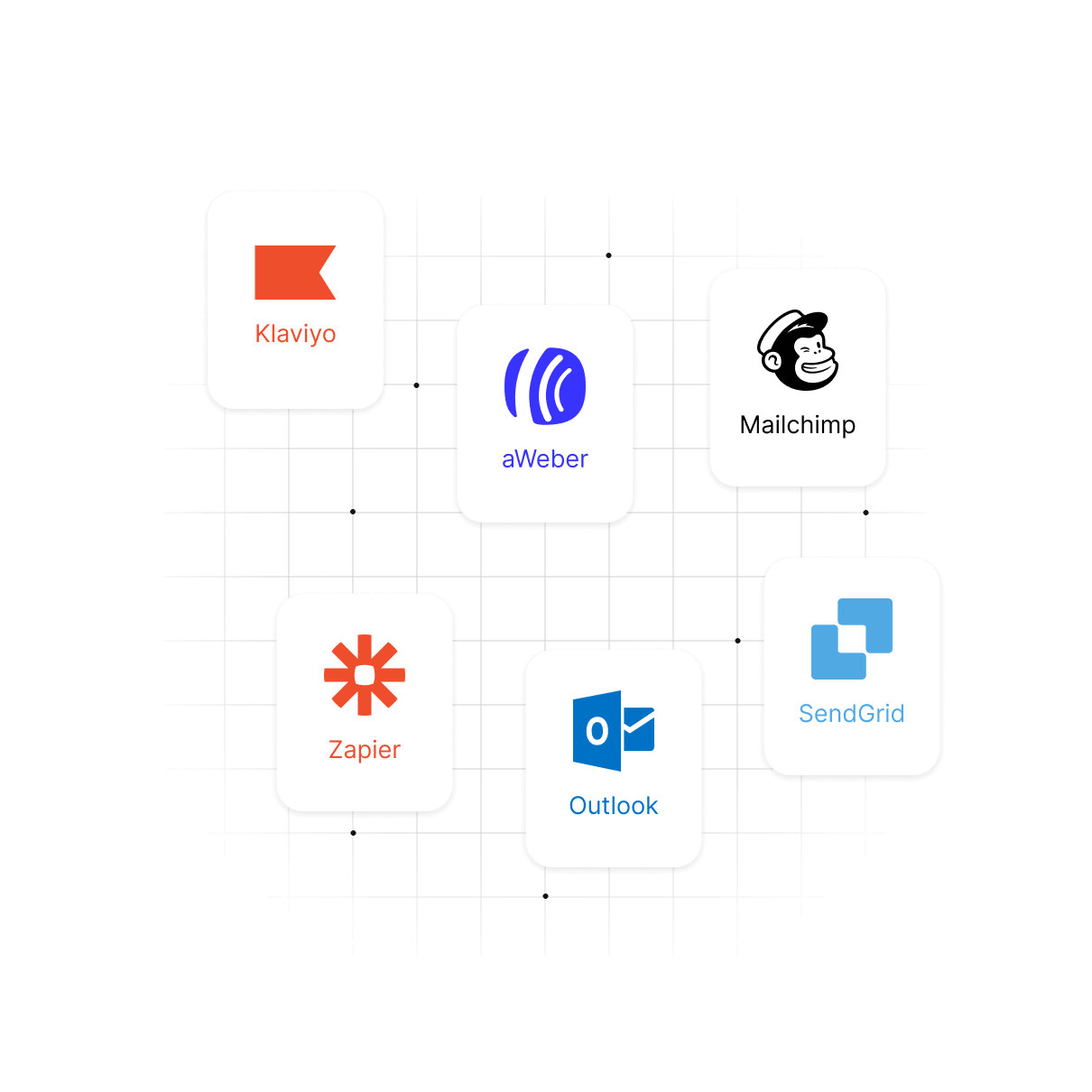
Export mit einem Klick in über 50 ESPs
Exportieren Sie Ihre fertige Vorlage direkt in den ESP, den Sie bereits nutzen.
-
Betreff, Kopfzeile, Text und CTA aus einer Hand
Eine einzige Eingabe generiert die gesamte E-Mail – nicht nur einzelne Teile, die Sie selbst zusammenfügen müssen.


So nutzen Sie den KI-E-Mail-Vorlagengenerator von Stripo
-
Beschreiben Sie Ihre E-Mail
Teilen Sie der KI in einer einzigen Eingabe Ihr Ziel, Ihre Zielgruppe und die wichtigsten Details mit.
-
Tonfall und Sprache auswählen
Legen Sie den Tonfall, die Länge und die Sprache für Ihre Zielgruppe fest.
-
Überprüfen Sie das Ergebnis
Sehen Sie sich Ihren ersten vollständig gestalteten Entwurf an.
-
Verfeinern Sie jeden Block
Verschieben Sie Abschnitte, tauschen Sie Module aus oder passen Sie den Wortlaut an, bis alles passt.
-
Exportieren
Senden Sie die E-Mail direkt an Ihren ESP.
Alles in einem Arbeitsbereich
Kein Texter, kein Designer, kein Entwickler – verfassen, gestalten und bearbeiten Sie die Vorlage, ohne zwischen verschiedenen Tools wechseln zu müssen.
-
Keine Programmierkenntnisse erforderlich
Erstellen und passen Sie eine vollständige Vorlage an, ohne HTML zu bearbeiten.
-
Für jedes Kenntnisniveau geeignet
Anfänger sowie erfahrene Marketingfachleute und Designer arbeiten im selben Tool in ihrem eigenen Tempo.
-
Ein Arbeitsbereich, nicht drei Tools
Text und Design entstehen live am selben Ort – nichts muss weitergereicht oder neu zusammengesetzt werden.
-
Nach der Erstellung vollständig bearbeitbar
Ändern Sie den Wortlaut, die Struktur oder den Stil, wie und wann immer Sie möchten.
Beginnen Sie mit einer Eingabeaufforderung – beenden Sie den Vorgang mit einer versendeten E-Mail
Eine einzige Eingabeaufforderung führt Sie von einer leeren Seite zu einer exportierbaren Vorlage.
E-Mail-Vorlage erstellenFür jede Rolle geeignet
-
Marketingfachleute
Kampagnen, Newsletter und E-Mails zur Kundenrückgewinnung – alles im einheitlichen Markenauftritt, ohne auf einen Designer warten zu müssen.
-
Freiberufler
Kundenfertige E-Mails, ohne für jeden Versand einen Designer oder Texter beauftragen zu müssen.
-
E-Commerce
Benachrichtigungen bei Warenkorbabbrüchen, Werbeaktionen und Wiederverfügbarkeit – in einem Arbeitsgang erstellt und exportiert.
-
Vertriebsprofis
Kaltakquise und Nachfass-E-Mails, die durchdacht, professionell formatiert und im Posteingang übersichtlich wirken.
-
Unternehmer
Führen Sie Ihr eigenes E-Mail-Marketing ohne Team durch – von der ersten Idee bis zur versendeten Kampagne.
-
Designer
Überspringen Sie die leere Leinwand. Erstellen Sie ein Ausgangslayout und passen Sie es dann genau nach Ihren Vorstellungen an.
Bewährte Verfahren für die Eingabe von Vorgaben für eine KI-E-Mail-Vorlage

„Der beste Weg, die KI zu einer Aufgabe anzuleiten, besteht darin, ein klares Ziel zu formulieren, das Sie erreichen möchten, die Zielgruppe anzugeben, an die Sie sich wenden möchten, sowie weitere Kontextinformationen bereitzustellen, die KI benötigt, um Ihre Erwartungen zu erfüllen“.


